AI Sketch to Image
Upload your hand-drawn sketch and transform it into stunning AI-generated artwork — free, no sign up, powered by Google Gemini.
or click to browse — JPEG, PNG, WebP up to 5 MB
Your sketch is ready — choose a style and generate below
Describe colors, mood, setting, or elements not visible in your sketch.
✏️ Your Sketch
✨ AI Generated
Right-click or use the Download button to save your image
Your AI-generated image will appear here
Select a style and click Generate ✨
🎨 See It In Action — Before & After
Drag the slider to compare the original sketch with the AI-generated result.
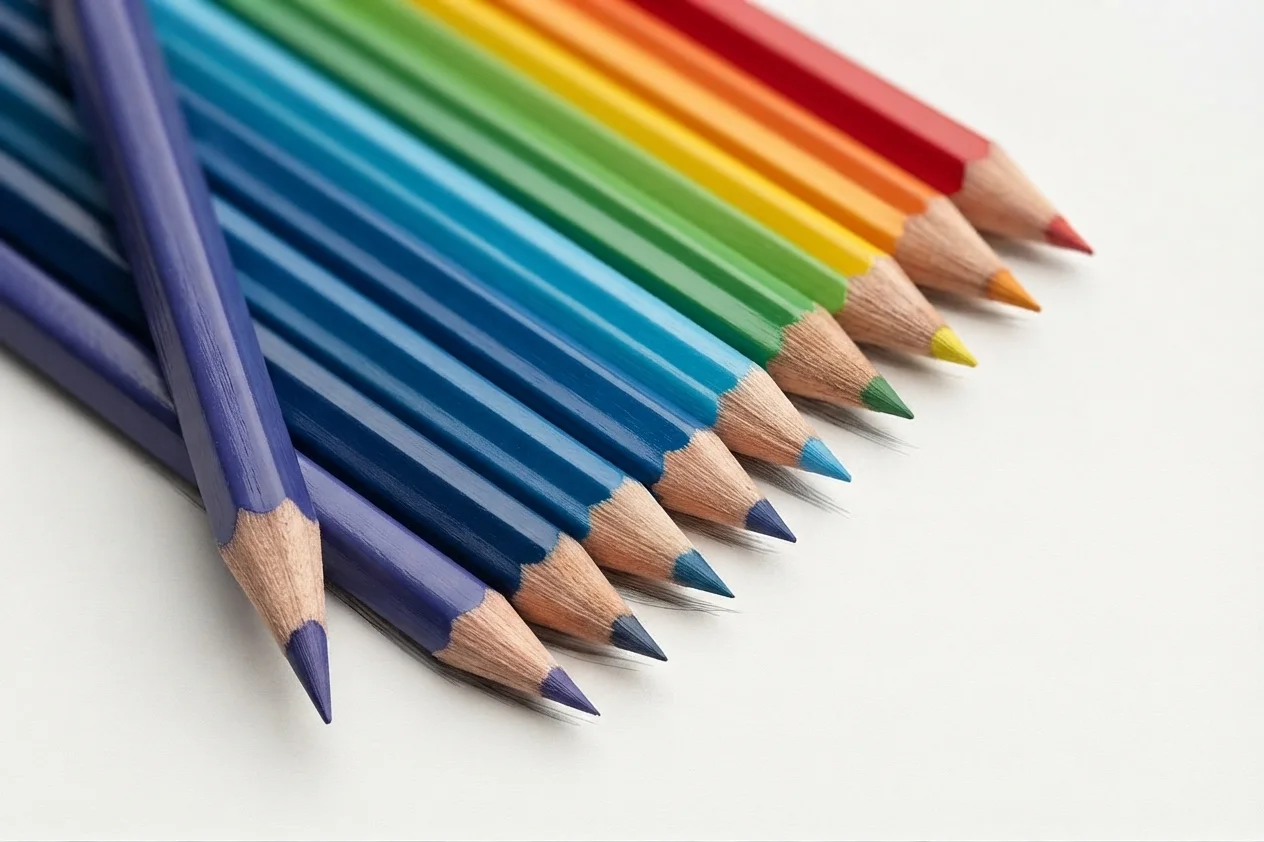
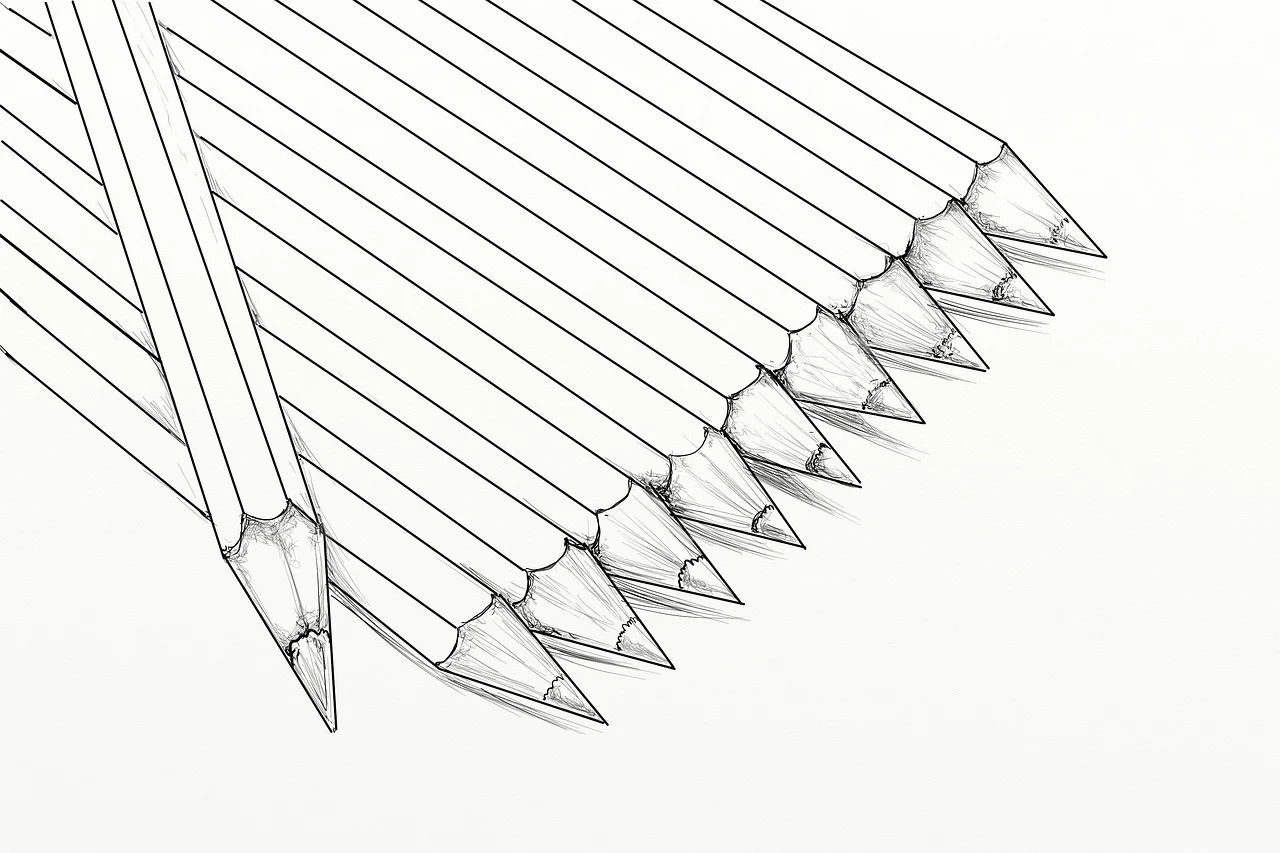
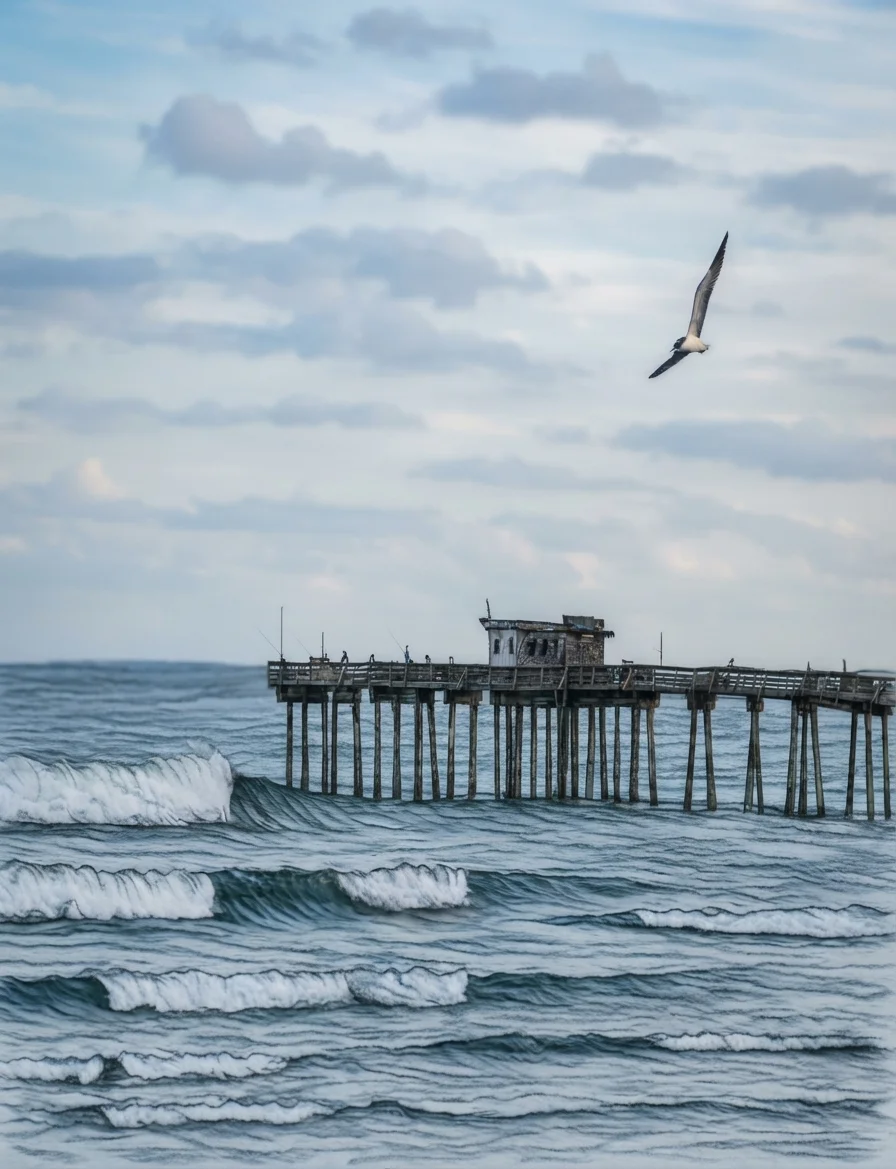
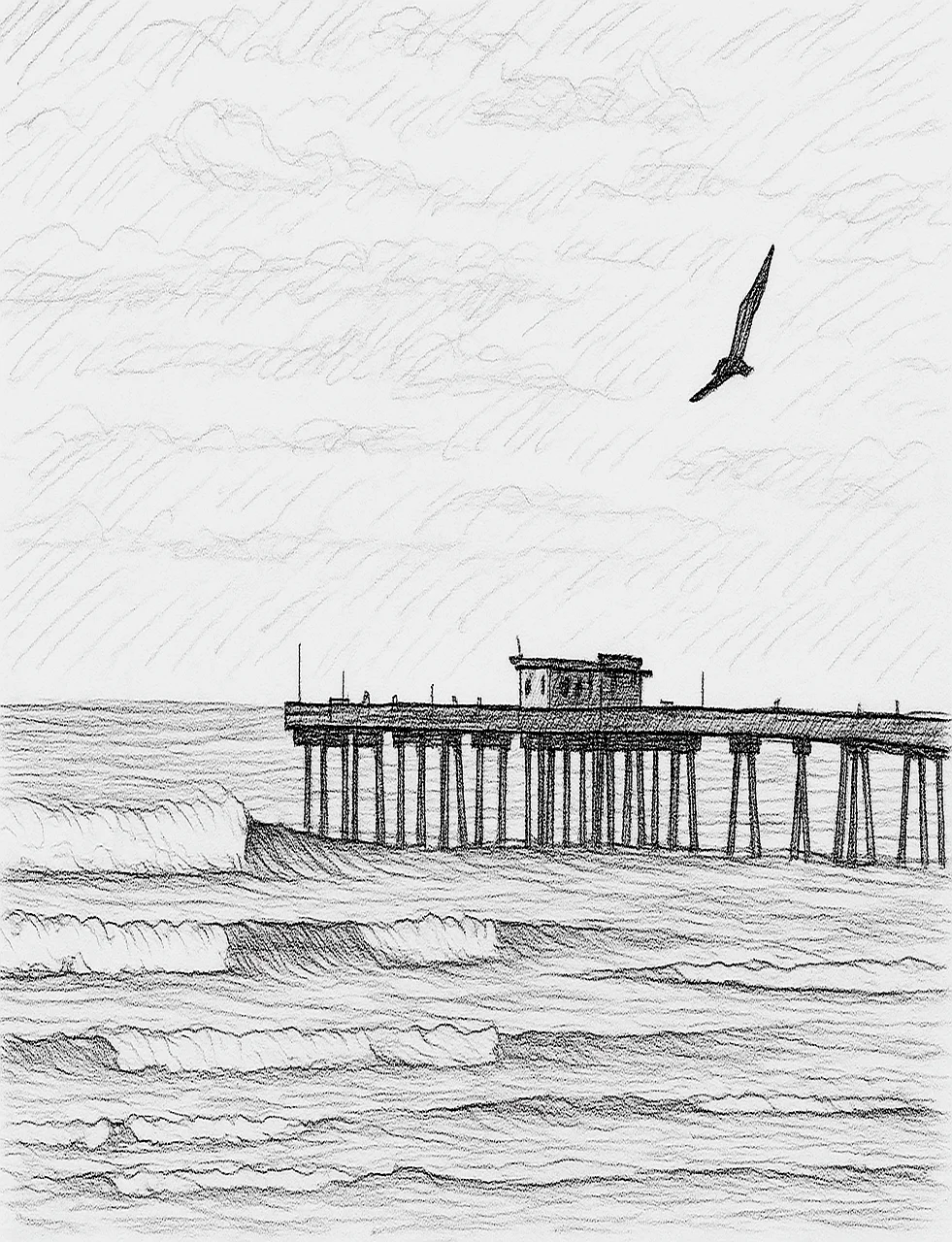
← Drag the handle left or right to reveal the sketch or the AI result →
🚀 How to Convert a Sketch to AI Image
Transform any hand-drawn sketch into stunning AI artwork in four simple steps. No account needed!
Upload Your Sketch
Drag and drop or click to upload a photo of your hand-drawn sketch. JPEG, PNG, and WebP are all supported.
Choose an Art Style
Pick from Photorealistic, Digital Art, Watercolor, Oil Painting, Anime, or Pencil Sketch to set the visual tone.
Add Optional Details
Optionally describe colors, mood, or background elements not shown in your sketch to guide the AI further.
Generate & Download
Click "Generate Image", wait a few seconds, then download your AI artwork — free, every time!
📖 About AI Sketch to Image
What is AI Sketch to Image?
The AI Sketch to Image tool is a free, AI-powered converter that transforms your hand-drawn sketches, doodles, and wireframes into polished, high-quality artwork. Powered by Google Gemini's multimodal image generation, it understands your sketch's shapes, composition, and structure, then renders it as a professional illustration, painting, or photo-realistic image.
Common Use Cases
- Artists & Illustrators: Quickly prototype concepts and see them rendered in different artistic styles
- UI/UX Designers: Turn wireframe sketches into realistic interface mockups
- Architects & Product Designers: Visualize rough concept drawings as polished renderings
- Students & Hobbyists: Bring your notebook doodles to life with AI magic
- Storytellers & Game Developers: Generate character concepts and scene art from rough sketches
- Educators: Create engaging visuals from simple diagrams
Key Features
Multimodal AI Understanding
Unlike simple style-transfer tools, this generator uses Google Gemini's multimodal model which truly understands the content and composition of your sketch before generating the final image.
Multiple Art Styles
Choose from Photorealistic, Digital Art, Watercolor, Oil Painting, Anime/Manga, or Pencil Sketch styles to get exactly the aesthetic you envision.
Optional Prompt Guidance
Add an optional text description to guide the AI — specify colors, mood, setting, or additional details beyond what your sketch conveys.
Instant Results
No waiting in queue, no credits to manage. Upload your sketch, click Generate, and receive a stunning AI-rendered image in seconds.
No Sign Up Required
Unlike most AI art tools that require accounts or subscriptions, this tool is completely free and accessible to everyone.
Privacy & Security
Your sketch is sent securely to the Gemini API solely for the purpose of image generation. We do not store your uploaded sketches or generated images on our servers. All processing happens transiently in memory.
Technical Details
Built on Google Gemini's multimodal API, which accepts both image and text inputs simultaneously. The model analyzes your sketch's structural composition and combines it with your style preference and optional prompt to generate a coherent, high-quality image output.
❓ Frequently Asked Questions
Version History
Initial release — upload sketches and transform them into AI artwork with Google Gemini
Jul 04, 2026

Raakkan (Sankar)
AI-driven Full Stack Developer
Indie developer from Tamil Nadu building fast, privacy-first web tools. Creator of Lovable Tools — a growing collection of free utilities and AI-powered tools.