EPUB to PDF Converter
Convert EPUB e-books to PDF documents instantly.
💡 How to Use This Tool
Converting your EPUB files to PDF documents takes just a few clicks. Follow these steps:
Upload Your EPUB
Click the dropzone area or drag a EPUB file up to 500 MB to begin.
Automatic Conversion
Once uploaded, the task immediately begins processing on my private servers. No extra buttons needed.
Track Completion Timeline
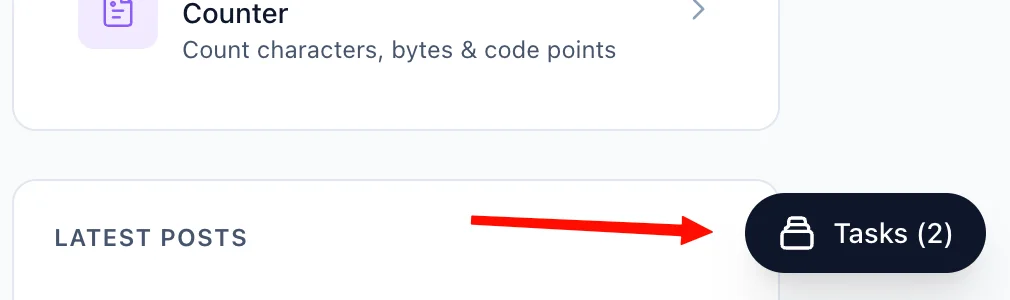
The Recent Tasks panel shown below tracks processing status. I also provide a floating Tasks drawer globally — check conversion progress from any page on my site.
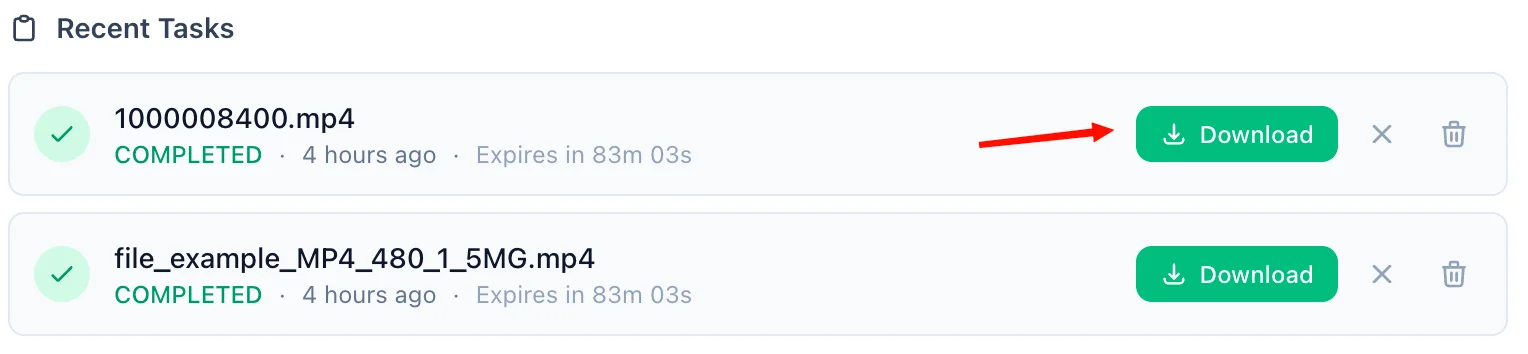
Download the PDF
A green Download button quickly activates upon completion. For privacy, download links are time-limited and only persist for 90 minutes natively.
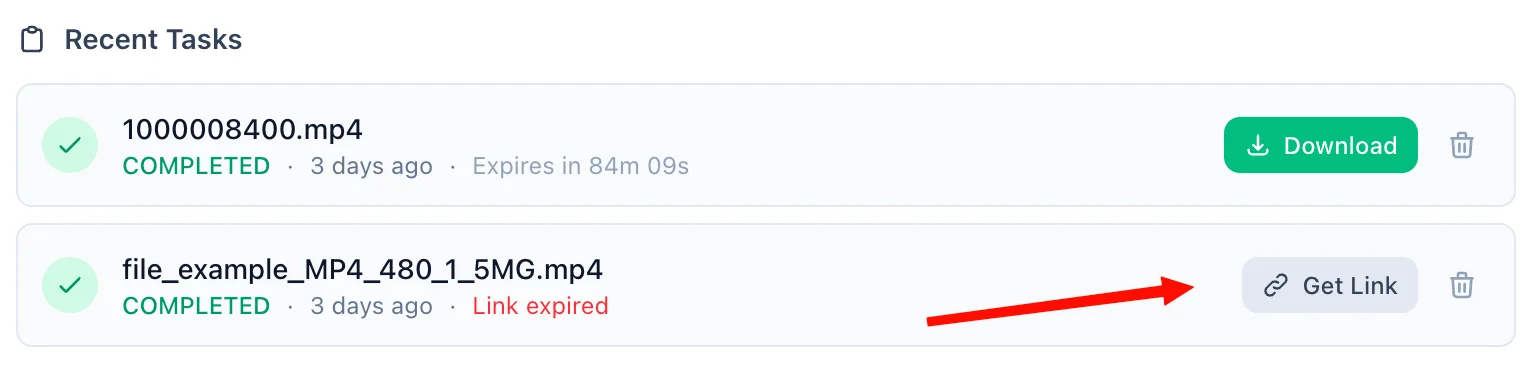
Refreshing Expired Tasks
If your download token expires, simply click the amber Refresh Link mechanism. I'll mint a new active timeframe—no re-upload necessary.
Manual Cleanup
Click the trash icon alongside any task to securely purge the processed files permanently from my cloud bucket servers immediately.
📖 About EPUB to PDF Converter
What is the EPUB to PDF Converter?
The EPUB to PDF Converter is a powerful, secure, and cloud-based utility created to easily transform .epub (Electronic Publication) eBook files into universal .pdf (Portable Document Format) documents. This tool bridges the gap between modern eBook formats and legacy or restrictive systems, allowing you to seamlessly convert your digital library for academic, professional, or personal use.
Common Use Cases
- Universal Access & Compatibility: EPUB files require specific eReader applications (like Apple Books or Calibre). Converting your books to PDF ensures they can be opened on virtually any device, including older tablets, work computers, and smartphones natively.
- Printing & Bookbinding: EPUBs are dynamic and reflowable, which is terrible for physical printing. By converting to a static PDF format, you can reliably send your documents to a physical printer with exact pagination safely preserved.
- Academic & Professional Sharing: When citing specific page numbers for research or sharing an eBook snippet with a colleague, sending a static PDF ensures you are both looking at the exact same layout and typography.
- Annotation & Note-Taking: While some eReaders support notes, many users prefer native PDF markup tools on their tablets (like GoodNotes or Notability) to study and highlight text.
Key Features
Formatting Preservation
Our converter acts intelligently by reading the underlying HTML and CSS instructions inside your EPUB bundle. It ensures chapter headings, paragraphs, and embedded images transfer accurately into the resulting PDF.
Cloud-Accelerated Speed
Leveraging a dedicated file-processing backend, this tool chews through large EPUB files (up to 500MB) without slowing down your device or local browser.
Privacy & Security
Your reading habits and personal files are your business. This tool operates on a strict zero-retention policy. Files are transferred over an encrypted SSL connection, temporarily processed in an isolated bucket, and purged completely. Natively, processed files are destroyed automatically 90 minutes after conversion, or you can manually delete them instantly with a single click.
Technical Details
Behind the scenes, the tool utilizes the industry-standard Calibre conversion engine (ebook-convert) encapsulated in a secure microservice environment. This ensures it isn't just taking "screenshots" but mathematically parsing the XML structure of the EPUB file and laying it out natively as vector fonts and proper images within the PDF specification.
❓ Frequently Asked Questions
Version History
Initial release of the EPUB to PDF file converter tool
Apr 05, 2026

Raakkan (Sankar)
AI-driven Full Stack Developer
Indie developer from Tamil Nadu building fast, privacy-first web tools. Creator of Lovable Tools — a growing collection of free utilities and AI-powered tools.