PDF to MOBI Converter
Convert PDF documents to MOBI e-books instantly.
💡 How to Use This Tool
Converting your PDF files to MOBI documents takes just a few clicks. Follow these steps:
Upload Your PDF
Click the dropzone area or drag a PDF file up to 500 MB to begin.
Automatic Conversion
Once uploaded, the task immediately begins processing on my private servers. No extra buttons needed.
Track Completion Timeline
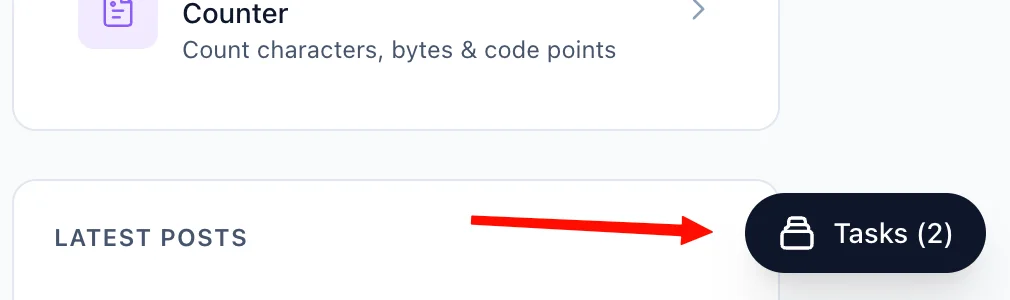
The Recent Tasks panel shown below tracks processing status. I also provide a floating Tasks drawer globally — check conversion progress from any page on my site.
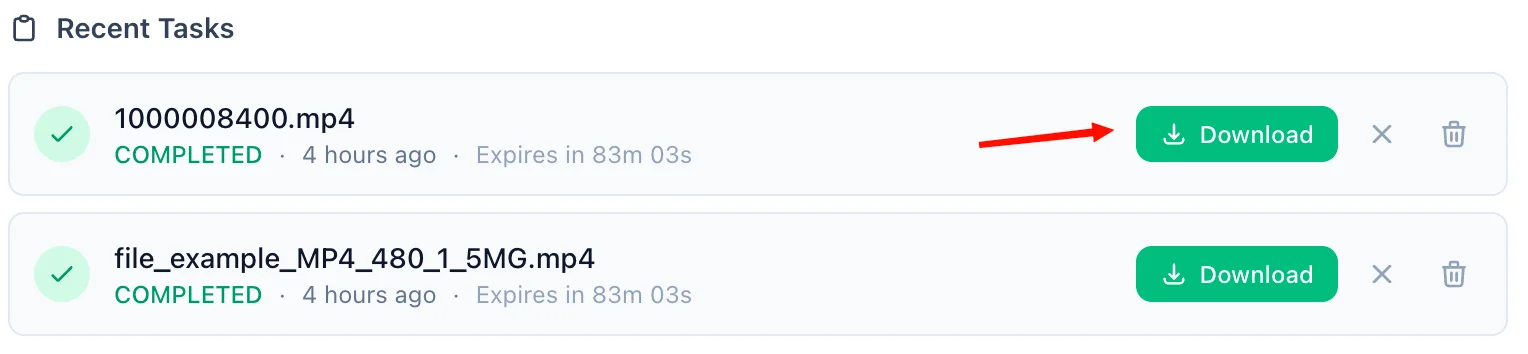
Download the MOBI
A green Download button quickly activates upon completion. For privacy, download links are time-limited and only persist for 90 minutes natively.
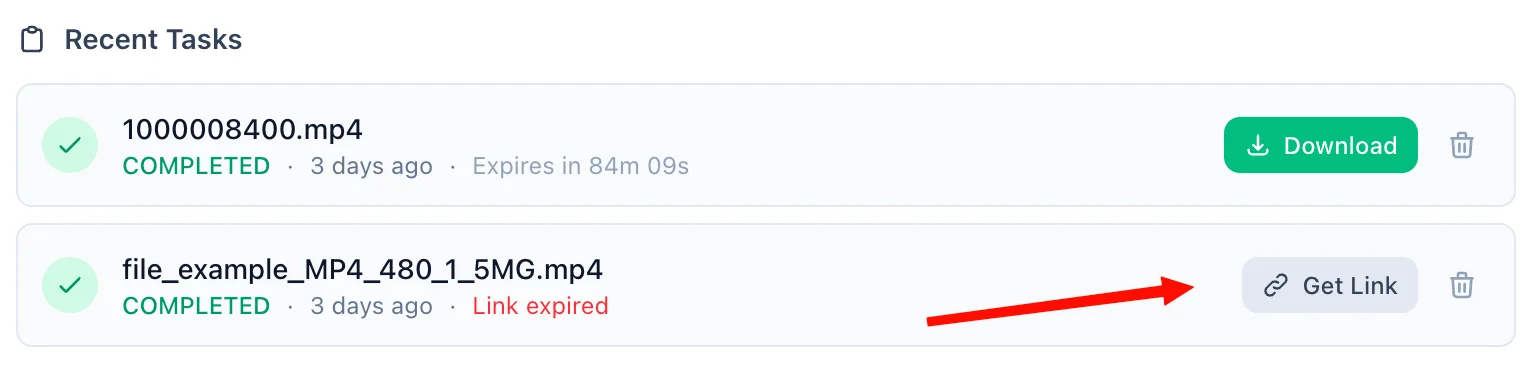
Refreshing Expired Tasks
If your download token expires, simply click the amber Refresh Link mechanism. I'll mint a new active timeframe—no re-upload necessary.
Manual Cleanup
Click the trash icon alongside any task to securely purge the processed files permanently from my cloud bucket servers immediately.
📖 About PDF to MOBI Converter
What is the PDF to MOBI Converter?
The PDF to MOBI Converter is a robust, privacy-focused online utility that effortlessly transforms .pdf documents into .mobi eBook files. PDFs are excellent for preserving strict formatting, but they are notoriously difficult to read on small screens like older Amazon Kindle devices because they do not 'reflow' or adjust nicely to changing font sizes. This tool extracts the text and layout from the PDF and converts it into a native reflowable MOBI eBook format specifically tailored for readers.
Common Use Cases
- Kindle Optimization: If you have a legacy Amazon Kindle that natively prefers the MOBI format, reading standard PDFs requires constant zooming and panning. Converting the PDF to MOBI makes it automatically reflow and drastically improves readability.
- Accessibility: Once converted into a reflowable structure, you can modify the font sizes, change the margins, and easily utilize screen readers that struggle parsing dense PDFs.
- Book Organization: Importing your converted files into management tools like Calibre or the Kindle app lets you categorize the PDF visually with covers alongside your purchased library.
Key Features
Intelligent Reflowing
Our converter intelligently unpacks the PDF to carefully retrieve text nodes and layout directives, arranging them seamlessly into a high-quality MOBI document that reflows gracefully on any screen.
Lightning Fast Cloud Processing
By offloading the heavy lifting to our specialized cloud servers, you avoid the hassle of downloading and configuring bulky desktop software like Calibre yourself.
Privacy & Security
We prioritize your digital privacy above all else. Your PDF files are processed via a securely encrypted pipeline. Uploaded files exist only temporarily in a volatile sandbox while being converted, and both the original file and the final MOBI are permanently destroyed automatically after a 90-minute window. Need it gone faster? Simply hit the delete icon immediately after downloading.
Technical Details
This conversion engine passes your file to a secure, isolated microservice operating on industry-standard eBook conversion algorithms. It accurately attempts to handle heuristic text unwrapping and recreating the document's structural hierarchy so you end up with a clean, fully reflowable MOBI file.
❓ Frequently Asked Questions
Version History
Initial release of the PDF to MOBI file converter tool
Apr 05, 2026

Raakkan (Sankar)
AI-driven Full Stack Developer
Indie developer from Tamil Nadu building fast, privacy-first web tools. Creator of Lovable Tools — a growing collection of free utilities and AI-powered tools.