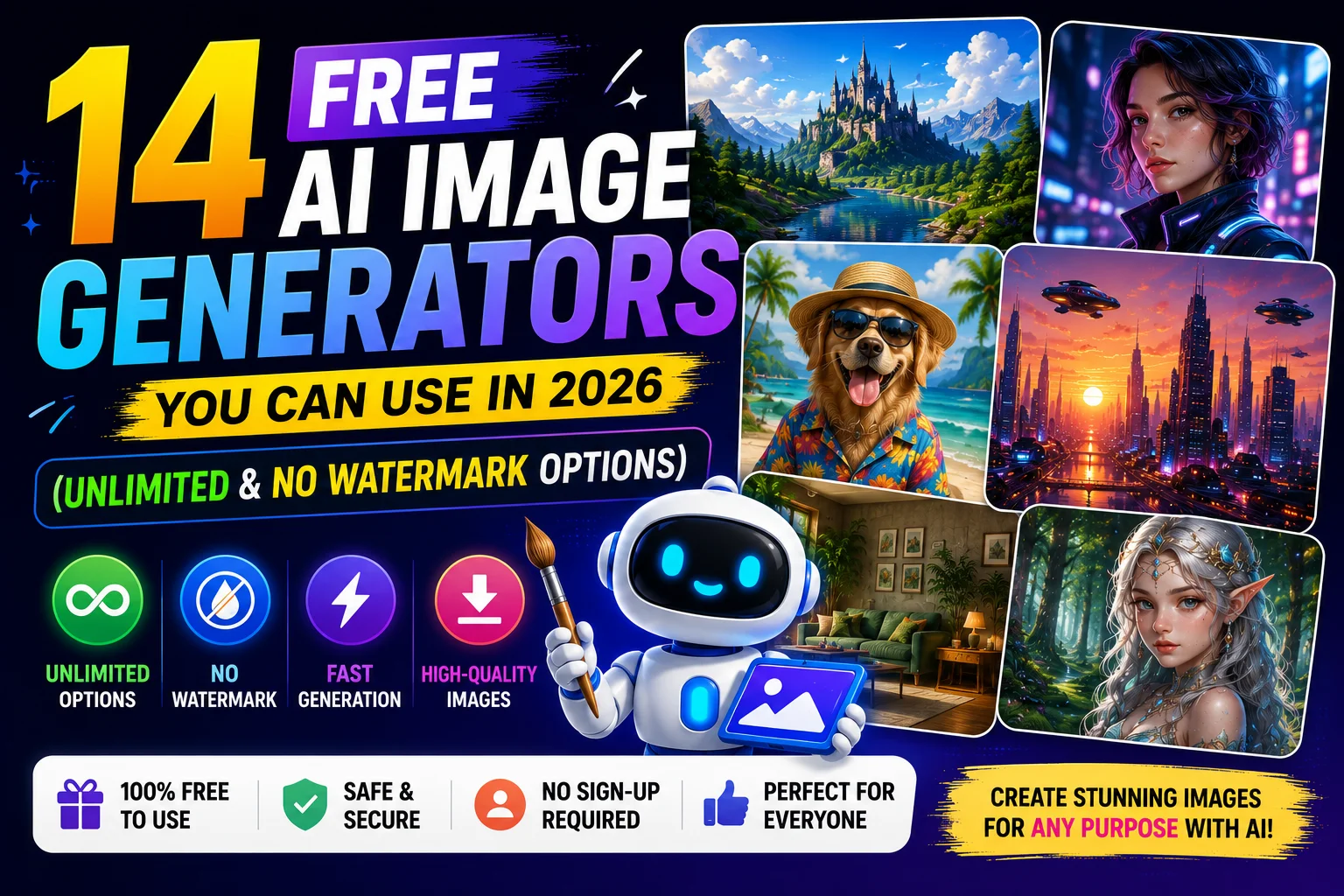
14 Free AI Image Generators You Can Use in 2026 (Unlimited & No Watermark Options)

Artificial intelligence has completely changed how we create images. Whether you need blog graphics, YouTube thumbnails, social media posts, digital art, marketing visuals, or realistic AI photos, you no longer need advanced design skills.
The biggest challenge isn't finding an AI image generator—it's choosing the right one. Some tools limit how many images you can generate each day, while others add watermarks, require a paid subscription, or lock important features behind premium plans.
To make your decision easier, we've researched the most popular AI image generators available in 2026 and compared their free plans, image quality, ease of use, pricing, and overall value. While many tools offer generous free plans, very few provide truly unlimited image generation without restrictions.
In this guide, you'll discover the best free AI image generators, including tools that don't require complicated setup, tools with generous free usage, and platforms that create high-quality AI artwork in just seconds.
Quick Comparison Table
| Tool | Free Plan | Unlimited Images | Watermark | Login Required | Best For |
|---|---|---|---|---|---|
| LovableTools AI Image Generator | Free | ✅ | No | No | Fast AI image generation |
| Perchance AI | ✅ | ✅ | No | No | Unlimited casual image generation |
| Craiyon | ✅ | ✅ | Yes | Yes | Quick concept art |
| Ideogram | ✅ | Limited | No | Yes | AI text generation inside images |
| Leonardo AI | ✅ | Daily Credits | Yes | Yes | Professional artwork |
| Adobe Firefly | ✅ | Monthly Credits | Yes | Yes | Commercial-friendly graphics |
| Microsoft Designer | ✅ | Mothly Limit | No | Microsoft Account | Realistic images |
| Mage.Space | ✅ | No | No | Yes | Open Stable Diffusion models |
| Tensor.Art | ✅ | Daily Credits | No | Yes | Anime artwork |
| SeaArt AI | ✅ | Daily Credits | No | Yes | Creative illustrations |
| NightCafe | ✅ | Daily Credits | No | Yes | Community art |
| Canva AI | ✅ | Limited | No | Yes | Marketing designs |
| Stable Diffusion | Free | Unlimited (Self-hosted) | No | No | Developers & advanced users |
| Freepik AI | ✅ | Limited | No | Yes | Designers & businesses |
Note: "Unlimited" usually means unlimited slow generations or no fixed daily cap. Individual services may apply fair-use policies or temporary rate limits.
1. LovableTools AI Image Generator
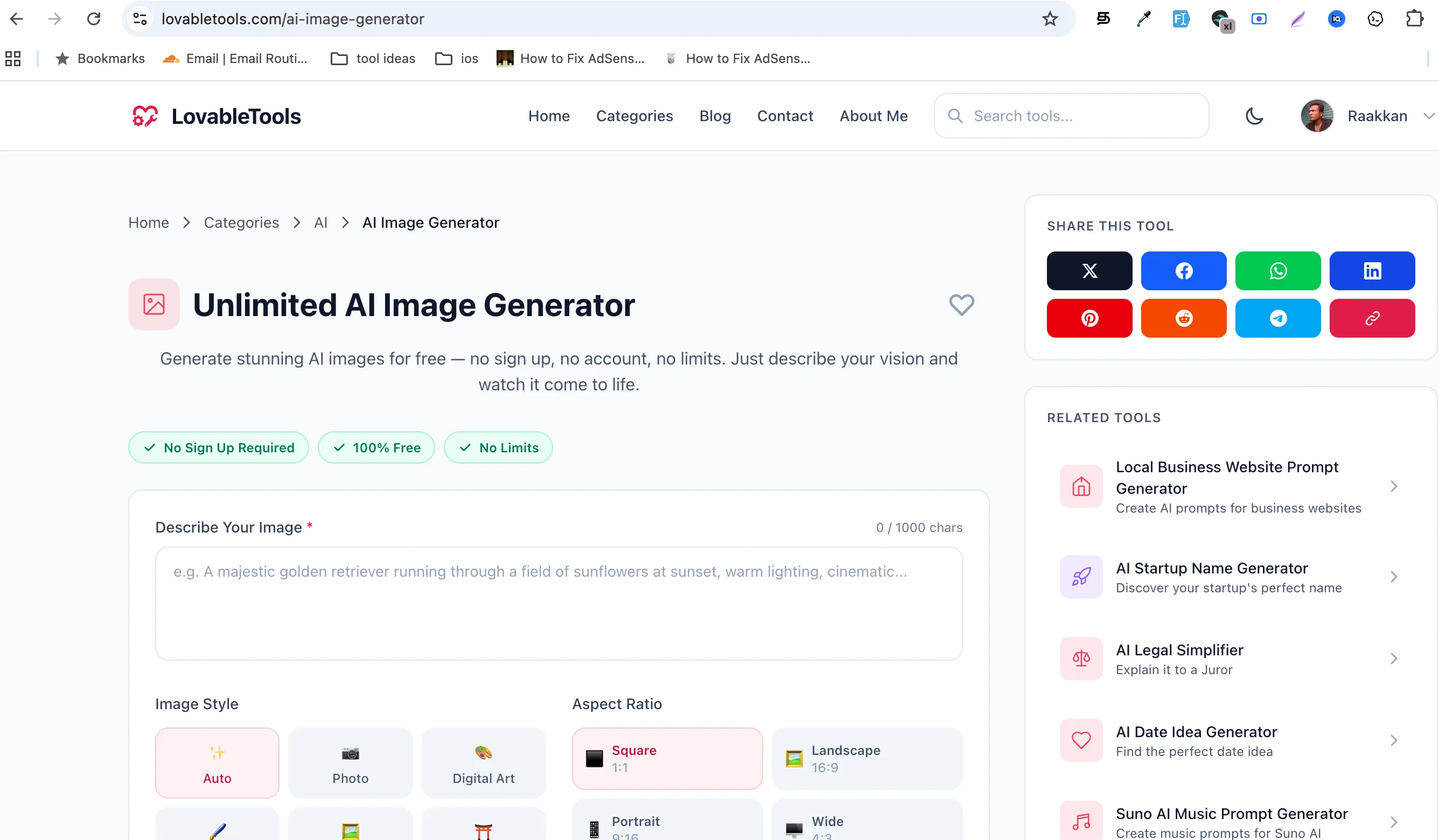
Best For: Anyone looking for a simple, free AI image generator without unnecessary complexity.
If you want to generate AI images quickly without navigating a complicated interface, LovableTools AI Image Generator is one of the easiest options available.
Unlike many AI platforms that overwhelm new users with dozens of advanced settings, LovableTools focuses on a clean experience. Simply enter your prompt, choose your preferred style if available, and generate your image in seconds.
This makes it an excellent choice for bloggers, students, marketers, content creators, and anyone who needs AI-generated visuals without spending time learning professional design software.
Key Features
- Free AI image generation
- Clean, beginner-friendly interface
- Fast image generation
- No visible watermark on generated images
- Works directly in your browser
- No software installation
Pros
- Very easy to use
- Beginner friendly
- Fast generation
- Clean interface
- Great for blog images
- Suitable for social media graphics
Cons
- Fewer advanced customization options than professional AI art platforms
- May not offer as many artistic models as dedicated AI art communities
Free Plan
The free version lets users generate AI images directly from their browser, making it a convenient choice for quick creative projects.
Pricing
Free.
2. Perchance AI
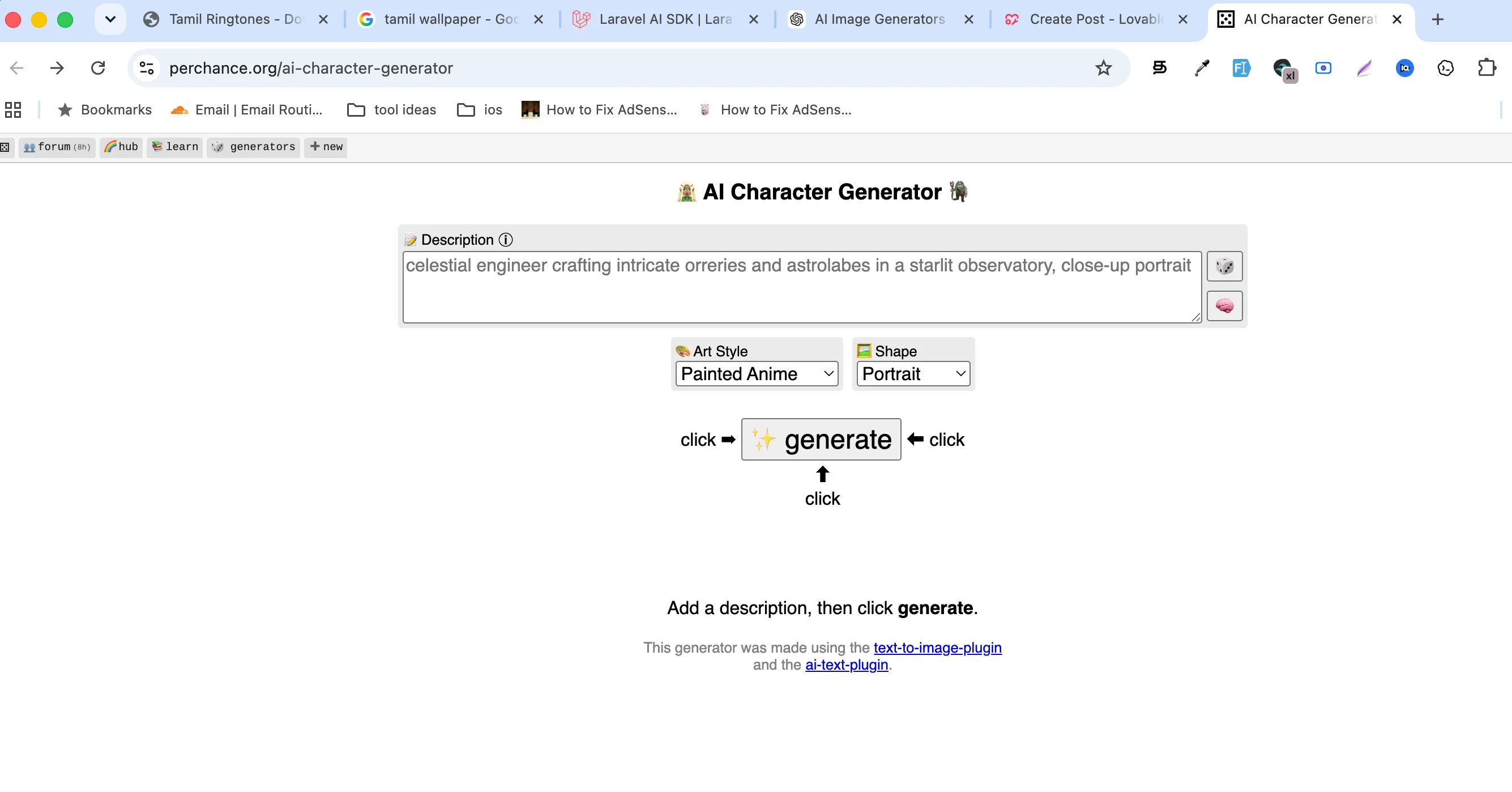
Best For: Unlimited AI image generation without creating an account.
Perchance AI has become one of the internet's favorite free AI image generators because it removes many of the restrictions found on other platforms. In most cases, you can begin generating images immediately without signing up, making it an excellent choice for users who value speed and privacy.
The interface is intentionally simple. Enter a prompt, optionally adjust a few settings, and let the AI create your image. It supports a wide range of artistic styles, from fantasy illustrations to realistic portraits, making it versatile enough for casual creators, students, and hobbyists.
Key Features
- No signup required
- Unlimited image generation
- Multiple art styles
- Browser-based
- Fast image creation
Pros
- Truly easy to access
- No account required
- Unlimited generations for most users
- Great for experimenting with prompts
Cons
- Interface is fairly basic
- Image consistency can vary depending on the prompt
- Fewer editing features than premium tools
Free Plan
Completely free for general use.
Pricing
Free.
3. Craiyon
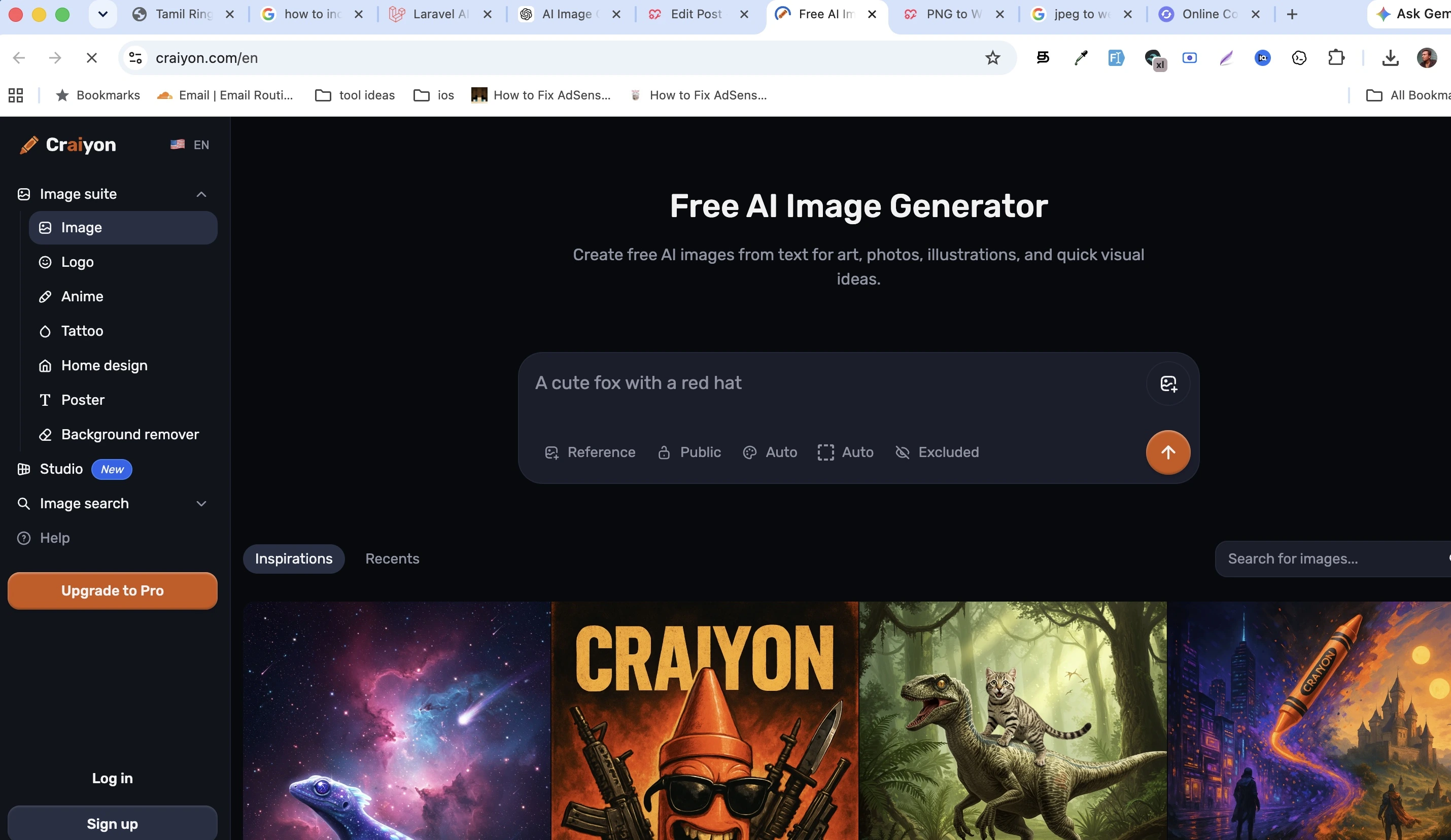
Best For: Fast concept art and creative brainstorming.
Craiyon is one of the oldest publicly available AI image generators and remains popular thanks to its unlimited free usage. While its image quality isn't always as polished as premium platforms, it excels at quickly turning ideas into visual concepts.
Because generations are unlimited, it's especially useful for brainstorming, storyboarding, and testing different prompts before moving to more advanced AI tools.
Key Features
- Unlimited image generation
- Browser-based
- Multiple image outputs
- Beginner friendly
- No installation required
Pros
- Completely free
- Very easy to use
- Great for prompt experimentation
Cons
- Image quality is lower than premium competitors
- Slower during busy periods
- Limited editing tools
- Login required
Free Plan
Unlimited image generation with optional premium upgrades.
Pricing
Free with starts $20/month optional paid plans.
4. Ideogram
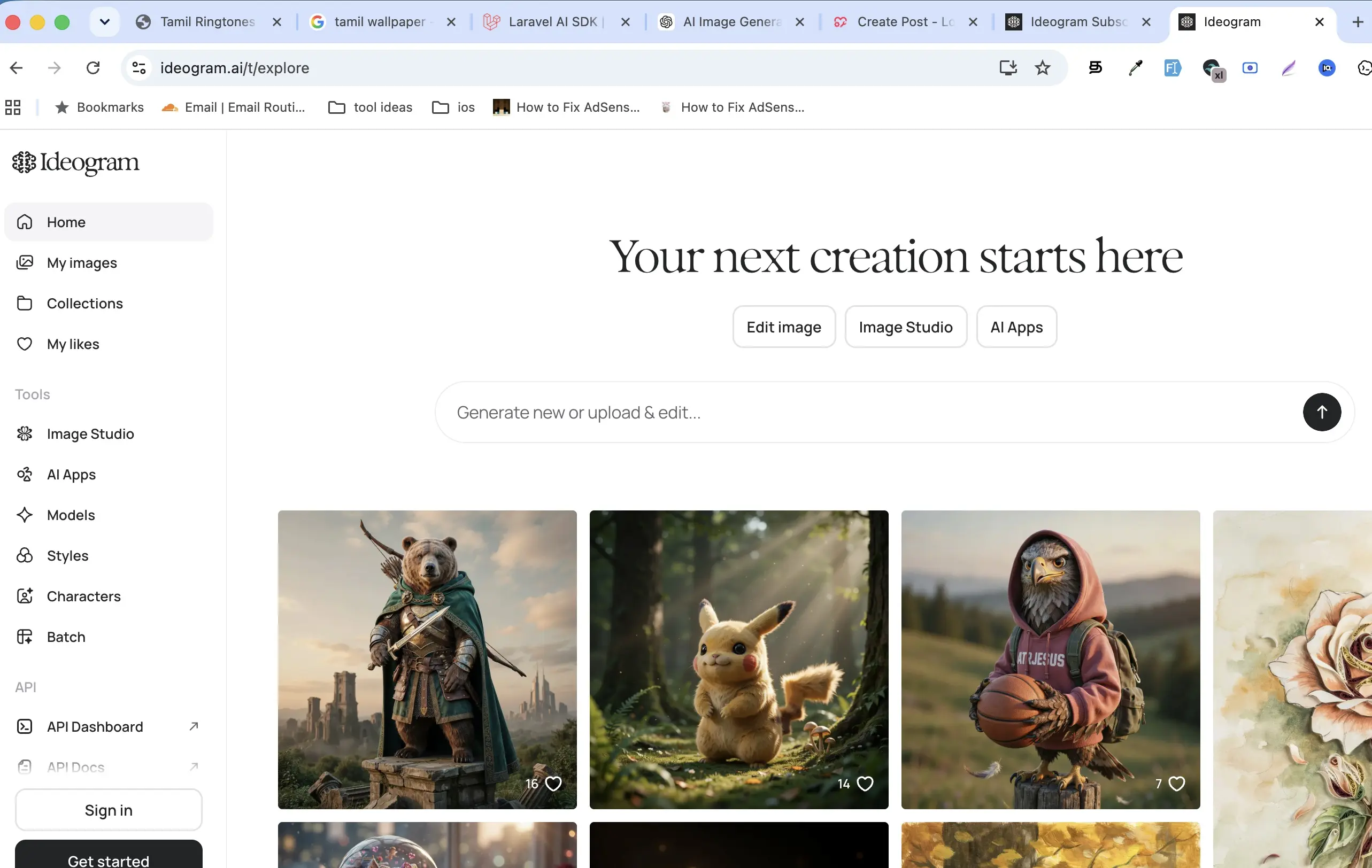
Best For: Creating images that contain readable text.
Most AI image generators struggle with text, but Ideogram stands out by producing signs, logos, posters, advertisements, and social media graphics with much more accurate lettering.
If your projects require words inside the generated image, Ideogram is often one of the best free choices available.
Key Features
- Excellent text rendering
- High-quality AI artwork
- Modern image models
- Community gallery
- Multiple artistic styles
Pros
- Best-in-class text generation
- Excellent image quality
- Great prompt understanding
- Useful for marketing graphics
Cons
- Daily free generation limits
- Login required
Free Plan
Daily free credits.
Pricing
Free with starts $15/month paid subscription options.
5. Leonardo AI
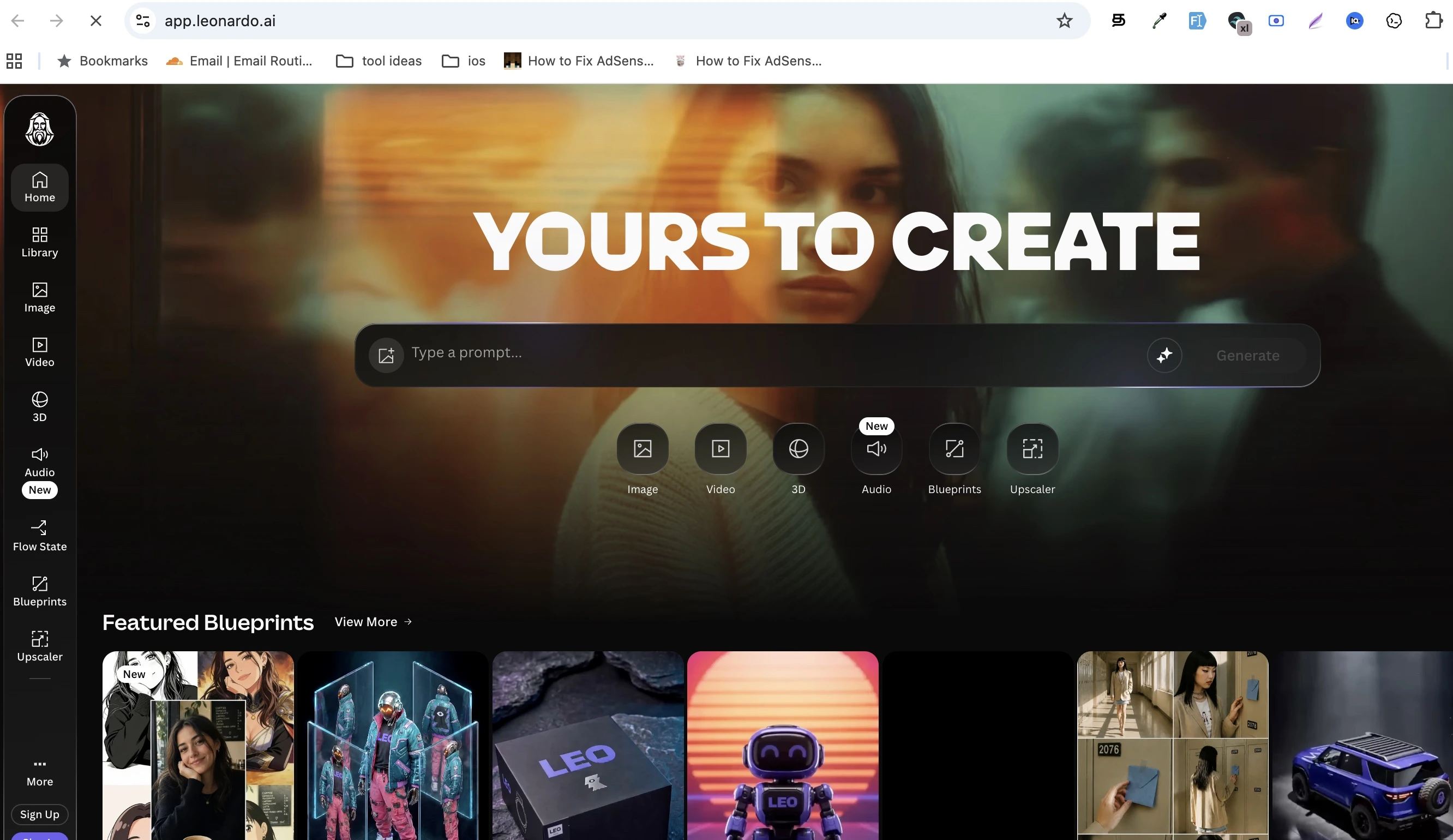
Best For: Professional-quality artwork and game assets.
Leonardo AI has become one of the most popular AI art platforms thanks to its impressive image quality, advanced customization options, and large collection of specialized models. It's widely used by game developers, digital artists, and creative professionals who need polished visuals.
Although the free plan uses daily tokens instead of unlimited generations, the quality of the output often makes it worth considering for more serious projects.
Key Features
- High-resolution image generation
- Advanced prompt controls
- Multiple AI models
- Image editing tools
- Community-created models
Pros
- Outstanding image quality
- Professional-level features
- Large model library
- Great for concept art
Cons
- Daily token limits
- More advanced interface for beginners
- Login required
Free Plan
Free daily generation credits.
Pricing
Free with starts $12/month premium subscription options.
6. Microsoft Designer
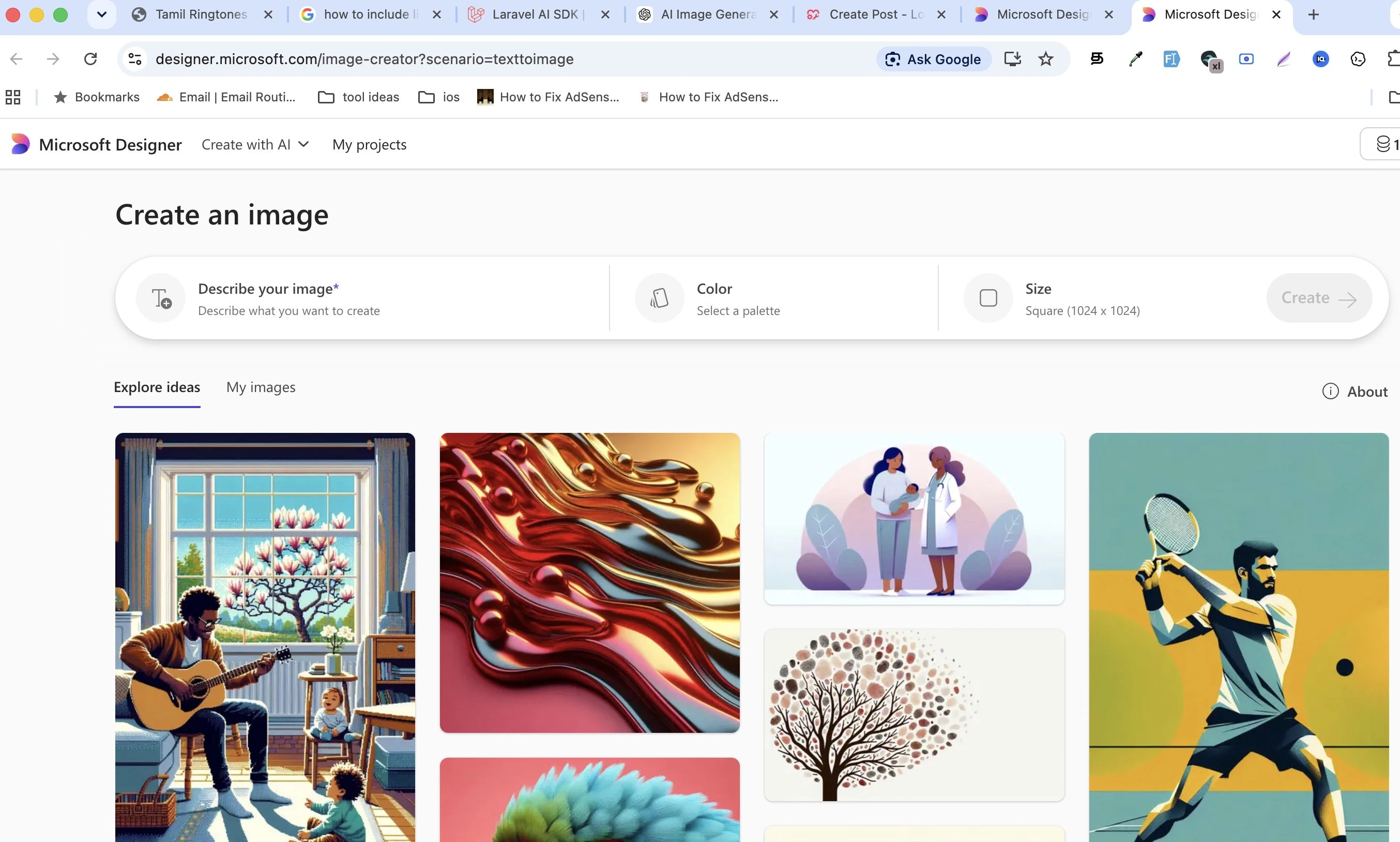
Best For: Creating realistic AI images, social media graphics, and marketing designs.
Microsoft Designer combines AI image generation with an easy-to-use design editor, making it a great choice for users who want to create complete graphics instead of just standalone images. Powered by Microsoft's AI technology, it can generate realistic photos, illustrations, and marketing visuals directly from text prompts.
Unlike many AI image generators, Microsoft Designer also lets you continue editing your generated images using templates, text, icons, and branding tools without switching to another application.
Pros
- Generates high-quality images powered by Microsoft's AI models
- Clean and beginner-friendly interface
- Built-in design editor for social media posts, presentations, flyers, and marketing graphics
- Works entirely in your browser
- AI-generated images do not include visible watermarks
Cons
- Requires a Microsoft account
- Free accounts are limited to 15 AI credits per month
- Microsoft 365 Personal and Family subscribers receive 60 AI credits per month, which can still be limiting for heavy users
- Advanced AI usage beyond these limits requires a higher-tier Microsoft 365 plan
- Offers fewer advanced prompt controls than dedicated AI art platforms
Pricing
Free with starts $9.99/month Microsoft 365 premium subscription options.
7. Adobe Firefly
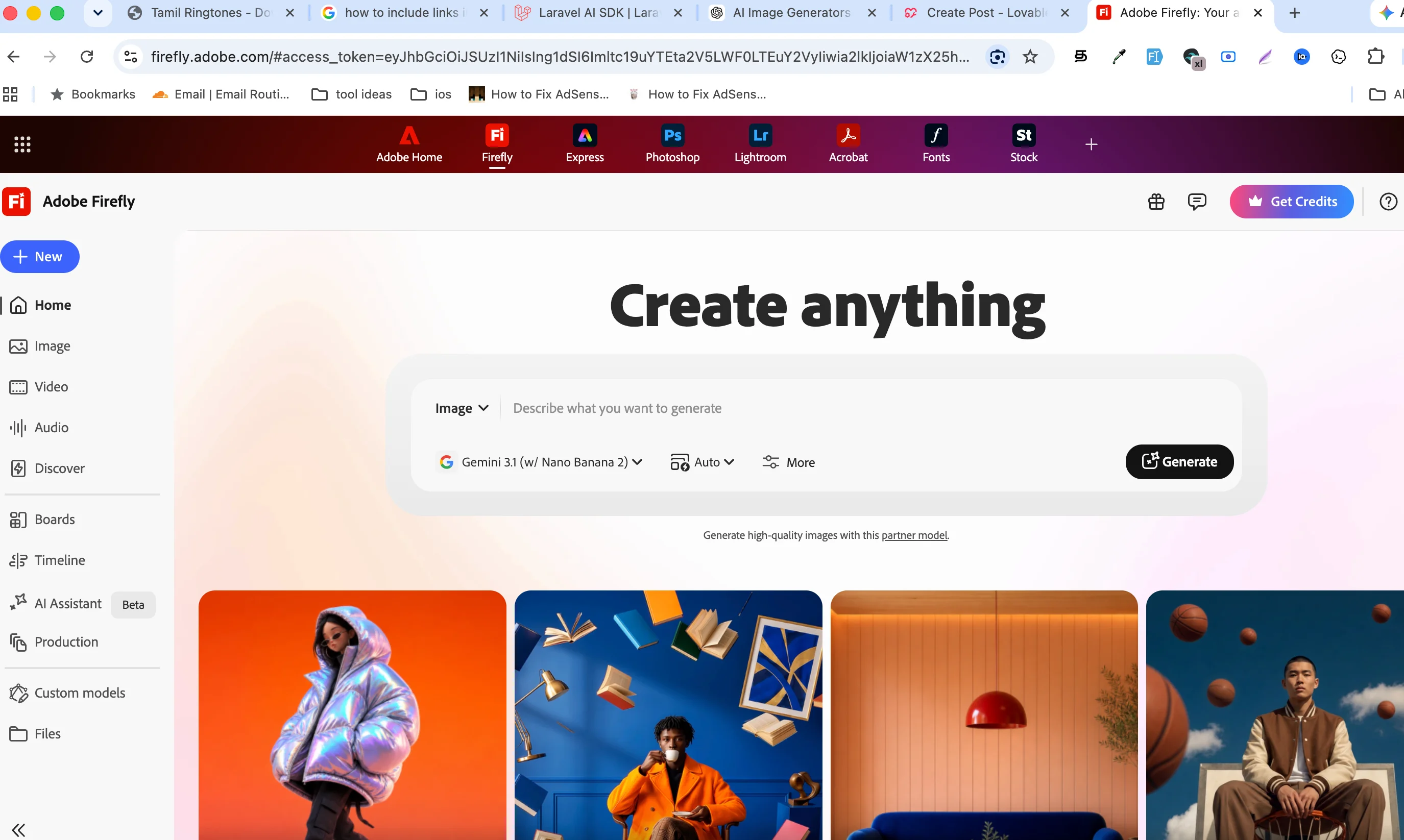
Best For: Commercial-safe AI images and professional creative projects.
Website: https://firefly.adobe.com/
Adobe Firefly is one of the most trusted AI image generators for businesses and professional designers. Unlike many competitors, Adobe has focused on creating commercially friendly AI models trained on licensed and Adobe Stock content, making it attractive for companies concerned about licensing.
Firefly is tightly integrated with Photoshop, Illustrator, Express, and other Adobe Creative Cloud apps, allowing creators to move seamlessly from AI generation to professional editing.
Key Features
- High-quality AI image generation
- Commercial-friendly AI models
- Generative Fill
- Background replacement
- Image expansion
- Integration with Adobe Creative Cloud
Pros
- Excellent image quality
- Professional editing tools
- Commercial-friendly approach
- Easy workflow for Adobe users
Cons
- Monthly generation credits
- Adobe account required
- Advanced features require paid plans
- Login required
Free Plan
Monthly AI generation credits.
Pricing
Free plan available with paid Creative Cloud subscriptions.
8. Mage.Space
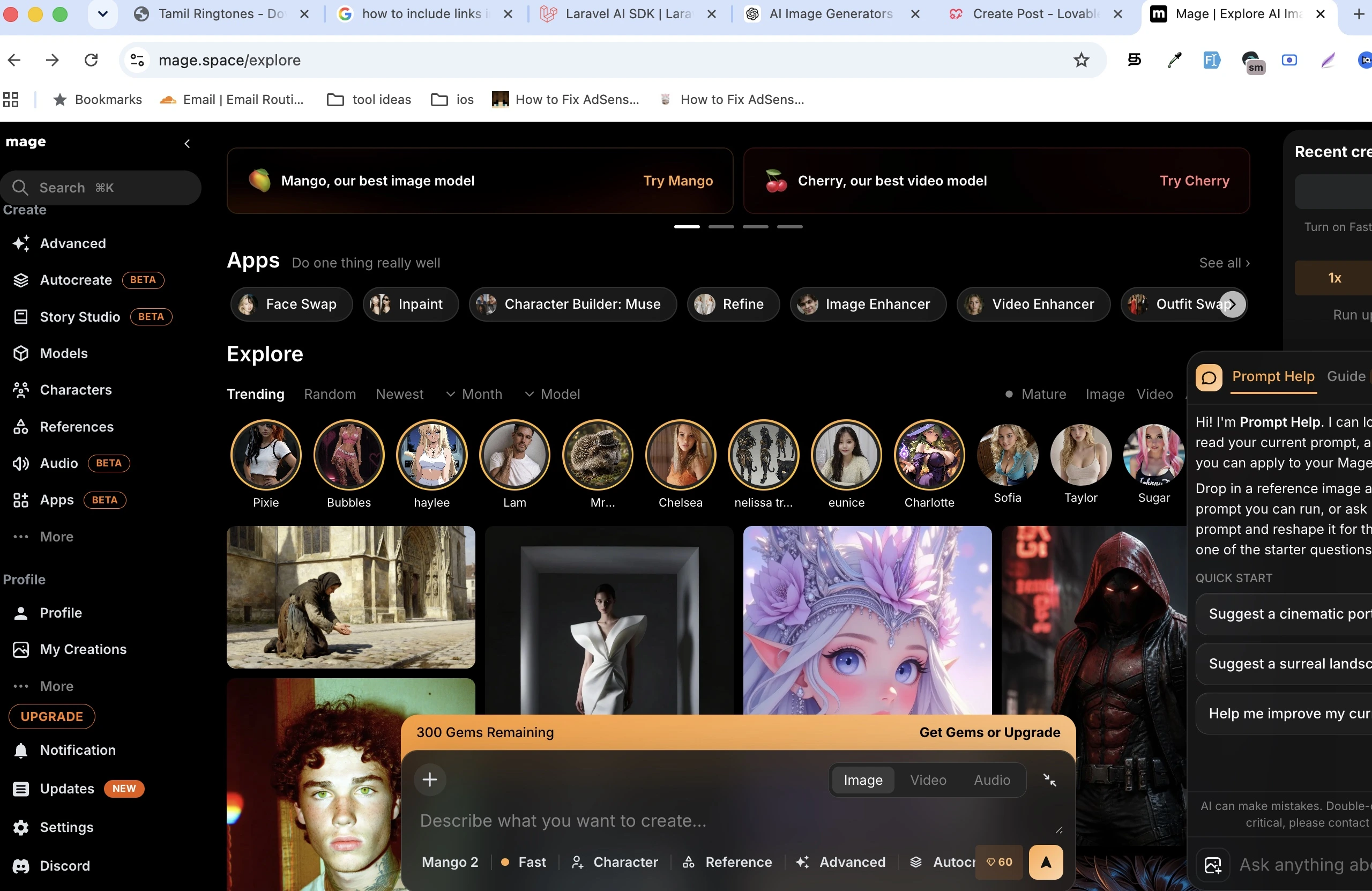
Best For: Accessing multiple AI models with maximum creative flexibility.
Website: https://www.mage.space/
Mage.Space has become a favorite among AI artists because it supports many of today's leading image generation models from a single web interface. Instead of limiting users to one model, Mage provides access to Stable Diffusion, FLUX, SDXL, and several other image generation systems.
The platform also emphasizes creative freedom and privacy, making it attractive for users who want more flexibility than mainstream AI generators typically provide.
Key Features
- Multiple AI models
- Browser-based
- High-resolution generation
- Private image generation
- Fast rendering
Pros
- Large model selection
- Modern AI models
- Flexible creative options
- Active development
Cons
- Premium features unlock unlimited generation
- Interface has more options than beginner-focused tools
- Login required
Free Plan
Free starter quota.
Pricing
Premium plans unlock faster speeds, more models, and unlimited generation with multiple pricing options.
9. Tensor.Art
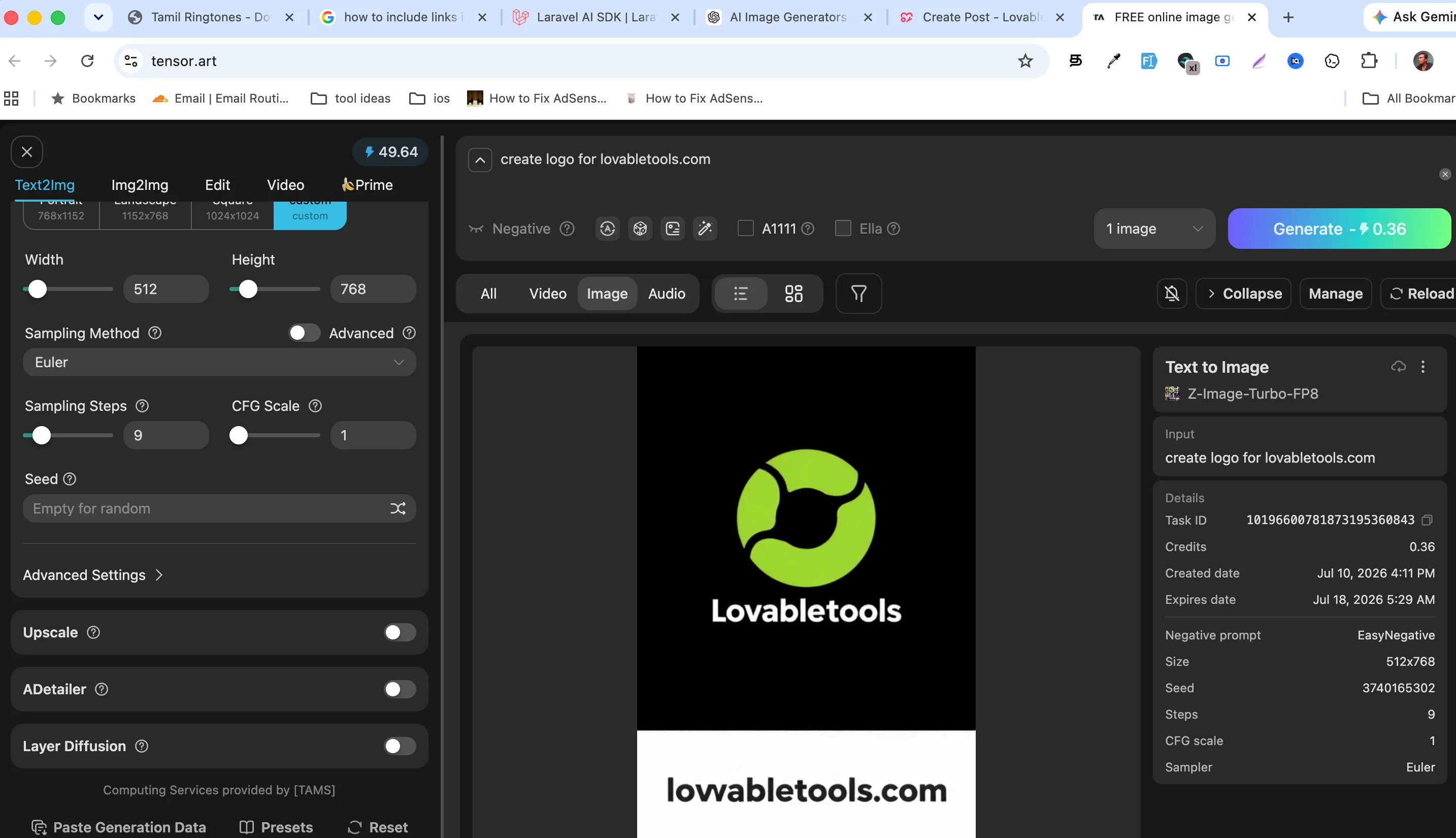
Best For: Anime artwork, custom Stable Diffusion models, and community-created AI art.
Website: https://tensor.art/
Tensor.Art has rapidly become one of the largest communities for Stable Diffusion enthusiasts. It hosts thousands of community-created models, LoRAs, and checkpoints that allow users to generate everything from realistic portraits to anime characters and fantasy artwork.
Rather than offering only a few built-in models, Tensor.Art gives creators access to a massive library of AI models contributed by the community, making it one of the most customizable platforms available.
Key Features
- Thousands of AI models
- Stable Diffusion support
- FLUX support
- Anime image generation
- Community model library
- Browser-based generation
Pros
- Huge model library
- Excellent anime generation
- Active community
- Regular new models
Cons
- Daily free credits
- Beginners may find the interface overwhelming
- Login required
- Interface can feel overwhelming for beginners
Free Plan
Free daily credits for image generation.
Pricing
Free with premium credits options.
10. SeaArt AI
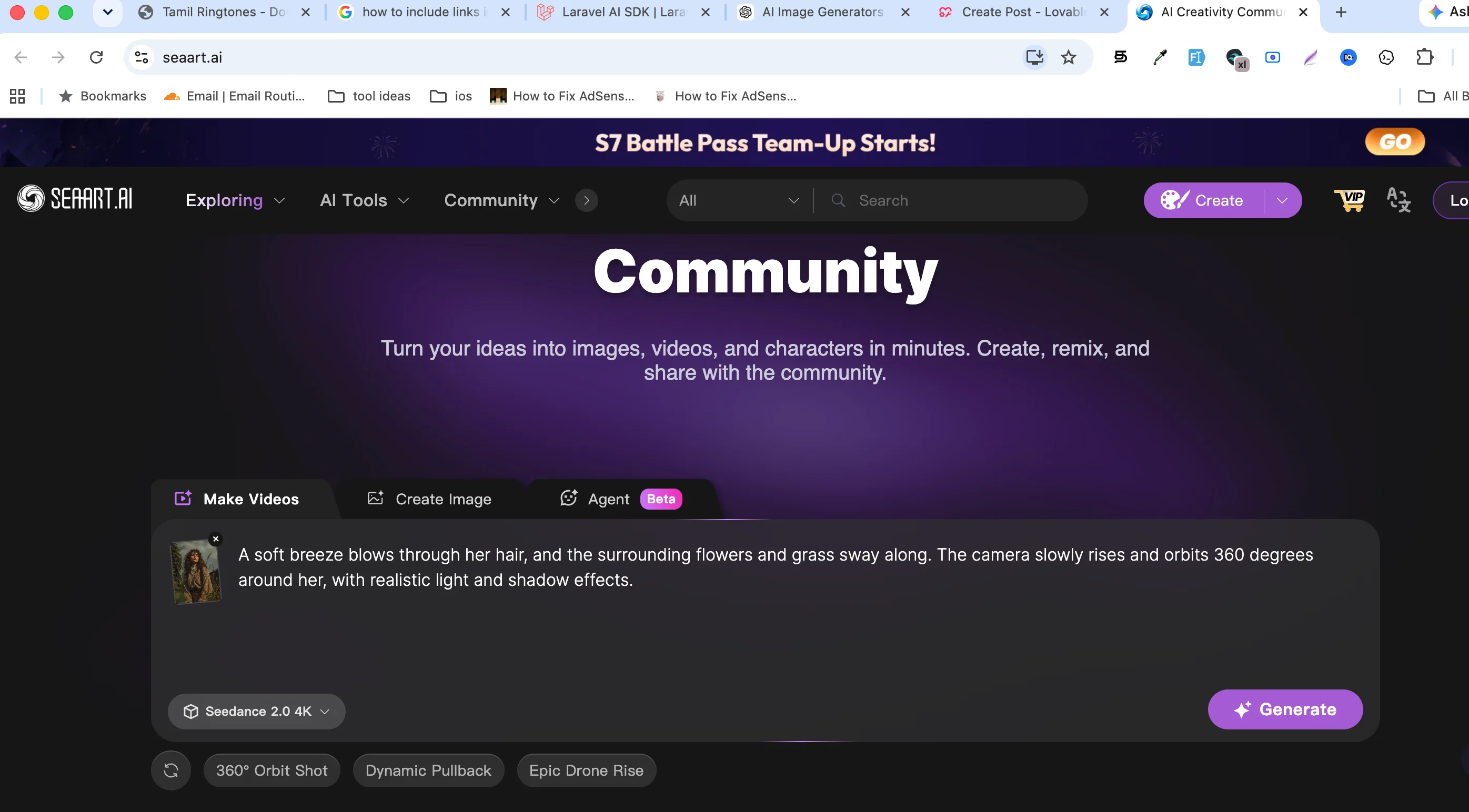
Best For: Anime artwork, AI illustrations, character design, and creative concept art.
Website: https://www.seaart.ai/
SeaArt AI has quickly become one of the most popular AI image generators among anime fans, digital artists, and creators who enjoy experimenting with different AI models. The platform provides access to thousands of community-created models, styles, and LoRAs, making it easy to create everything from realistic portraits to fantasy landscapes.
Unlike many beginner-focused AI generators, SeaArt offers advanced controls for users who want more creative flexibility while still remaining approachable for newcomers.
Key Features
- AI text-to-image generation
- Large collection of community models
- Anime and realistic styles
- AI character generation
- AI image editing
- Browser-based platform
Pros
- Excellent anime image quality
- Huge model library
- Active creator community
- Regularly updated with new models
- Easy to explore different styles
Cons
- Daily free credits
- Some premium models require a paid subscription
- Login required
Free Plan
Free daily image generation credits.
Pricing
Free plan available with premium subscription options.
11. NightCafe
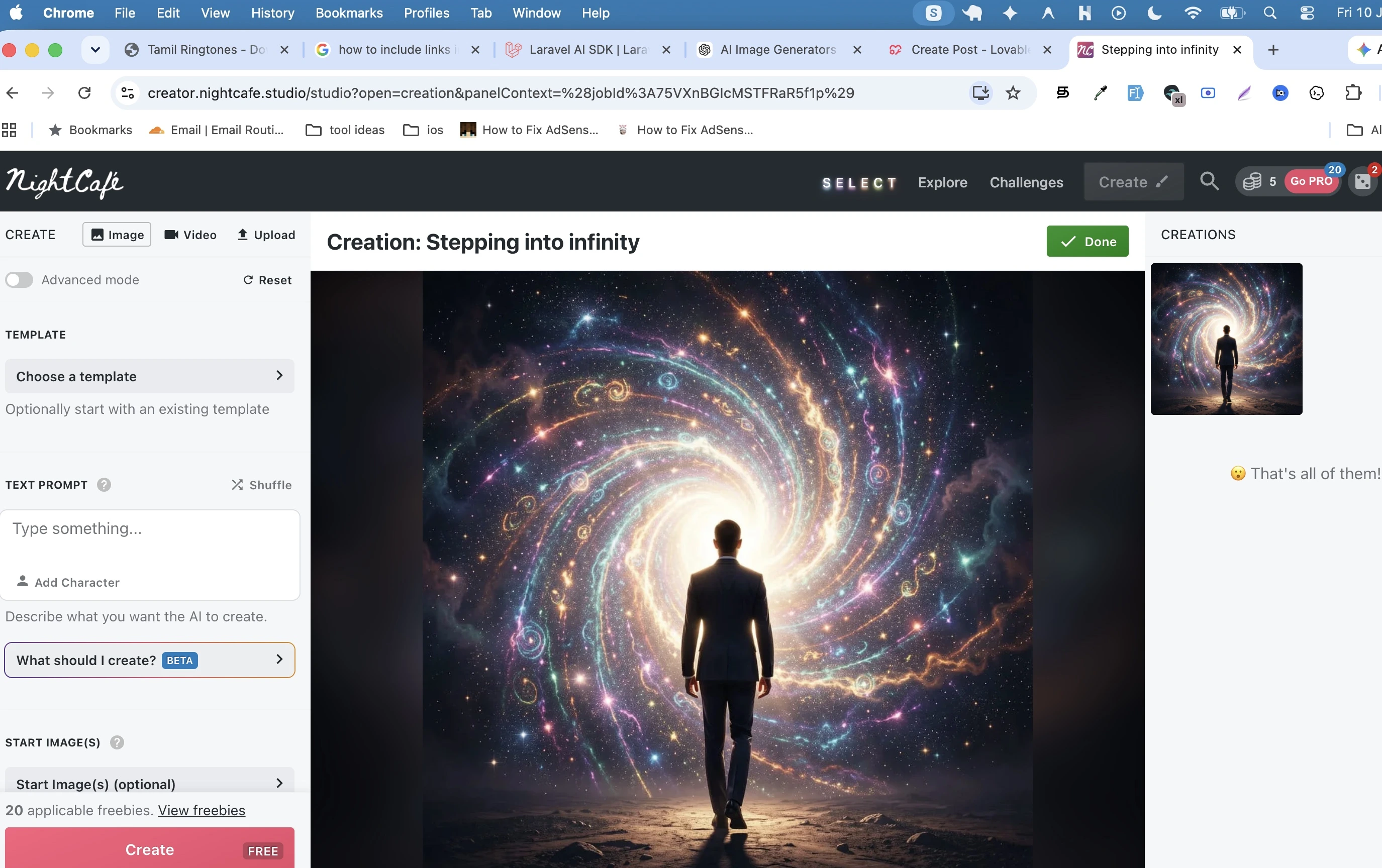
Best For: Creative AI art, artistic styles, and community challenges.
Website: https://creator.nightcafe.studio/
NightCafe has been one of the longest-running AI art platforms and continues to attract millions of creators. Instead of focusing only on image generation, NightCafe encourages users to participate in daily challenges, share artwork, and explore creations from other artists.
It supports multiple AI models, allowing users to experiment with different artistic styles without switching platforms.
Key Features
- Multiple AI art models
- AI text-to-image
- Community challenges
- Daily free credits
- Image upscaling
- Style presets
Pros
- Beginner friendly
- Large creative community
- Supports multiple AI models
- Frequent community events
- Easy image sharing
Cons
- Daily credit limits
- High-quality generations consume more credits
- Login required
Free Plan
Free daily credits through login rewards and participation.
Pricing
Free with optional multiple paid plans.
12. Canva AI
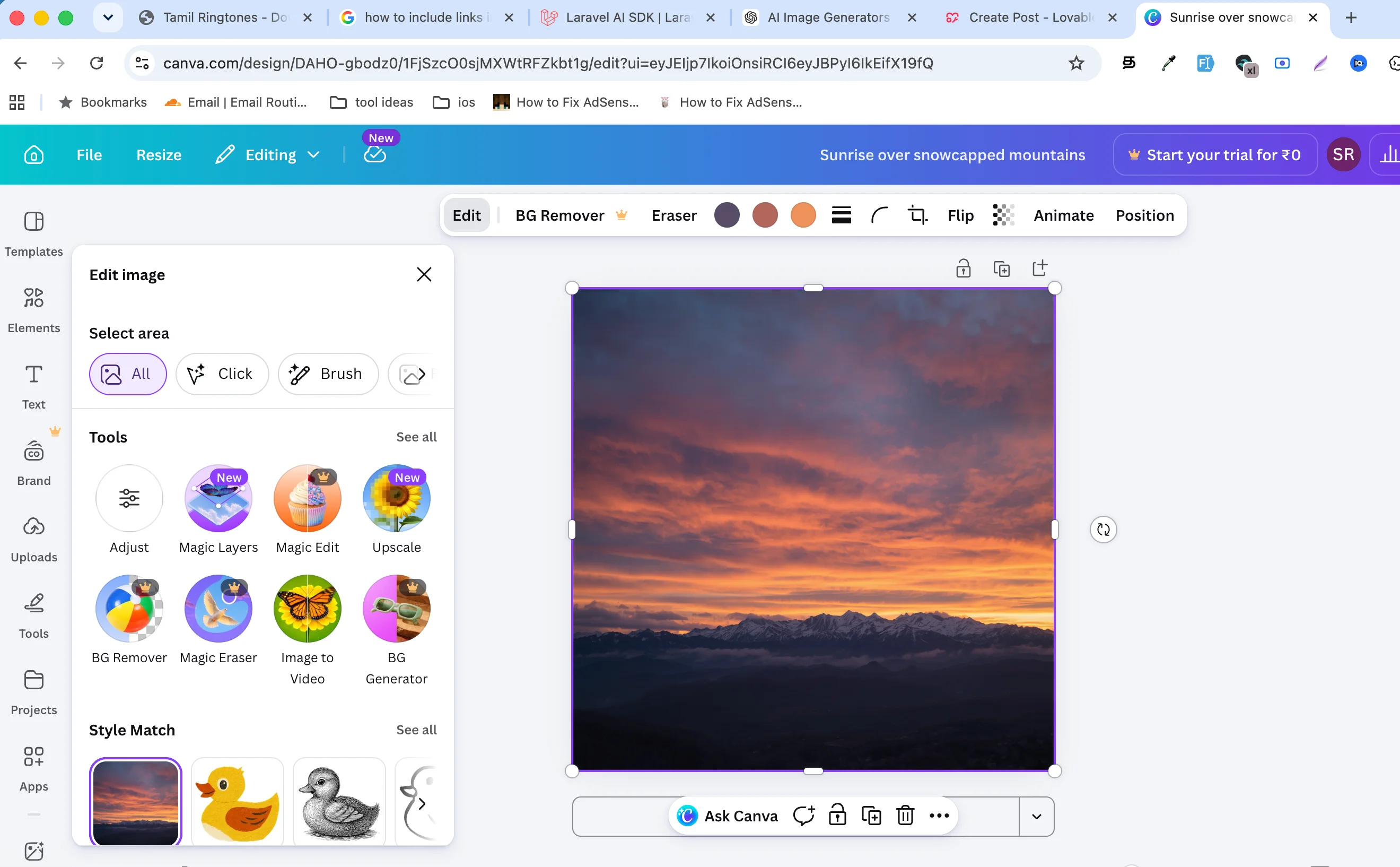
Best For: Marketing materials, presentations, and social media graphics.
Website: https://www.canva.com/ai-image-generator/
Canva is already one of the world's most popular graphic design platforms, and its AI image generator makes creating custom visuals even easier. Instead of downloading AI-generated images and editing them elsewhere, Canva lets you instantly place them into presentations, social media posts, posters, YouTube thumbnails, or business documents.
Its drag-and-drop editor makes it especially attractive for non-designers.
Key Features
- AI text-to-image
- Drag-and-drop editor
- Thousands of templates
- Brand Kit
- Presentation tools
- Social media design tools
Pros
- Extremely easy to use
- Perfect for beginners
- Huge template library
- Excellent design workflow
- Great for businesses
Cons
- Free AI generations are limited
- Advanced features require Canva Pro
- Less customizable than dedicated AI art platforms
- Login required
Free Plan
Limited AI image generations included with the free Canva account.
Pricing
Free with Canva Pro subscription.
13. Stable Diffusion (Self-Hosted)
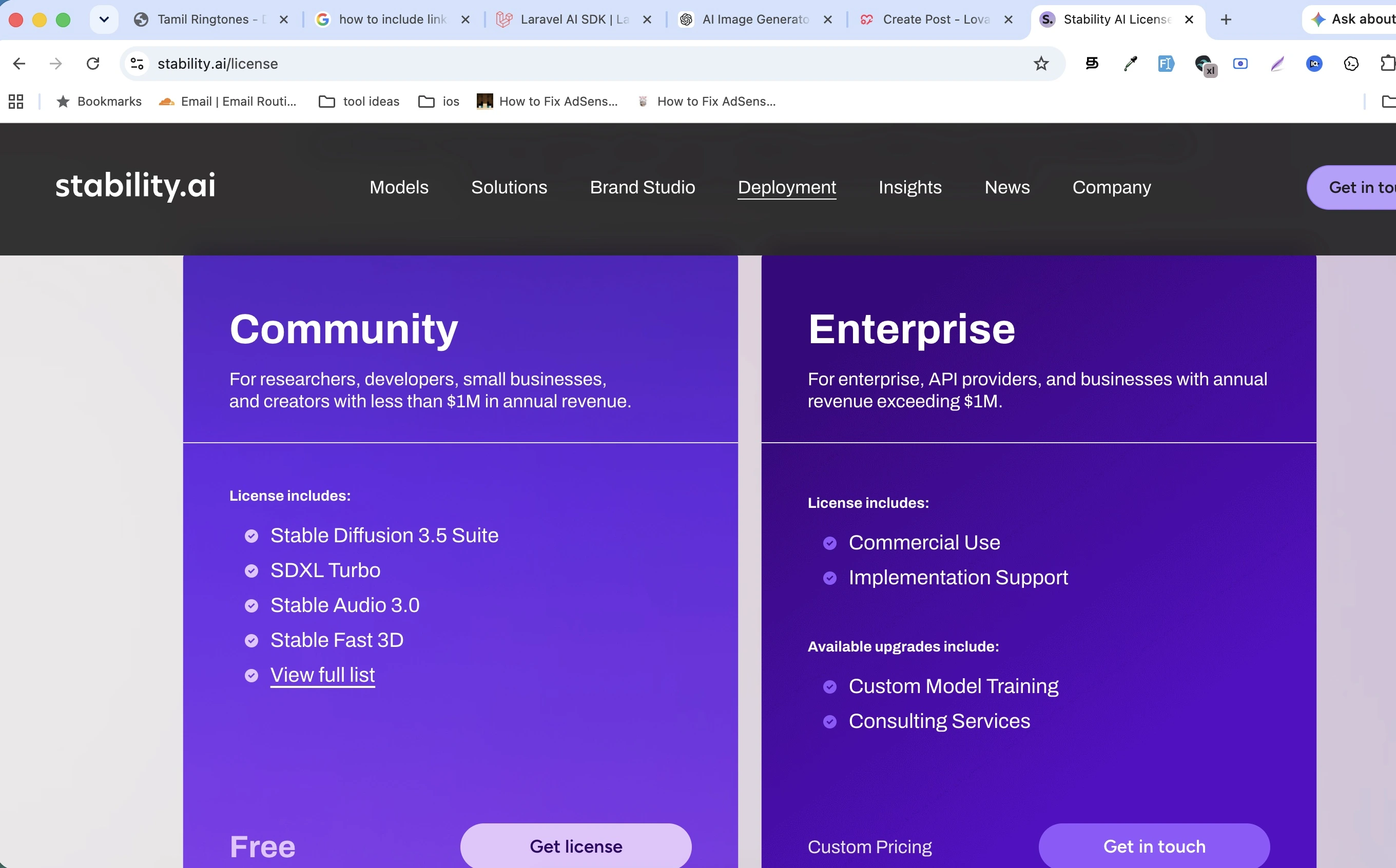
Best For: Unlimited AI image generation without recurring subscription costs.
Website: https://stability.ai/
Stable Diffusion is different from most tools on this list because it isn't just another online AI image generator—it's an open-weight AI model that you can run on your own computer or server using applications such as AUTOMATIC1111, ComfyUI, or Forge.
Although setting it up requires more technical knowledge, self-hosting gives you complete control over image generation. There are no daily credits, no monthly subscriptions, and no artificial generation limits beyond your own hardware.
Key Features
- Unlimited local image generation
- Open-weight AI model
- Thousands of community models
- Offline generation
- Complete customization
- Supports LoRAs and ControlNet
Pros
- Truly unlimited generation
- No recurring subscription
- Full creative control
- Massive open-source community
- Excellent image quality
Cons
- Requires a capable computer or GPU
- Initial setup takes time
- Not beginner friendly
Free Plan
Completely free when running locally.
Pricing
Free.
14. Freepik AI
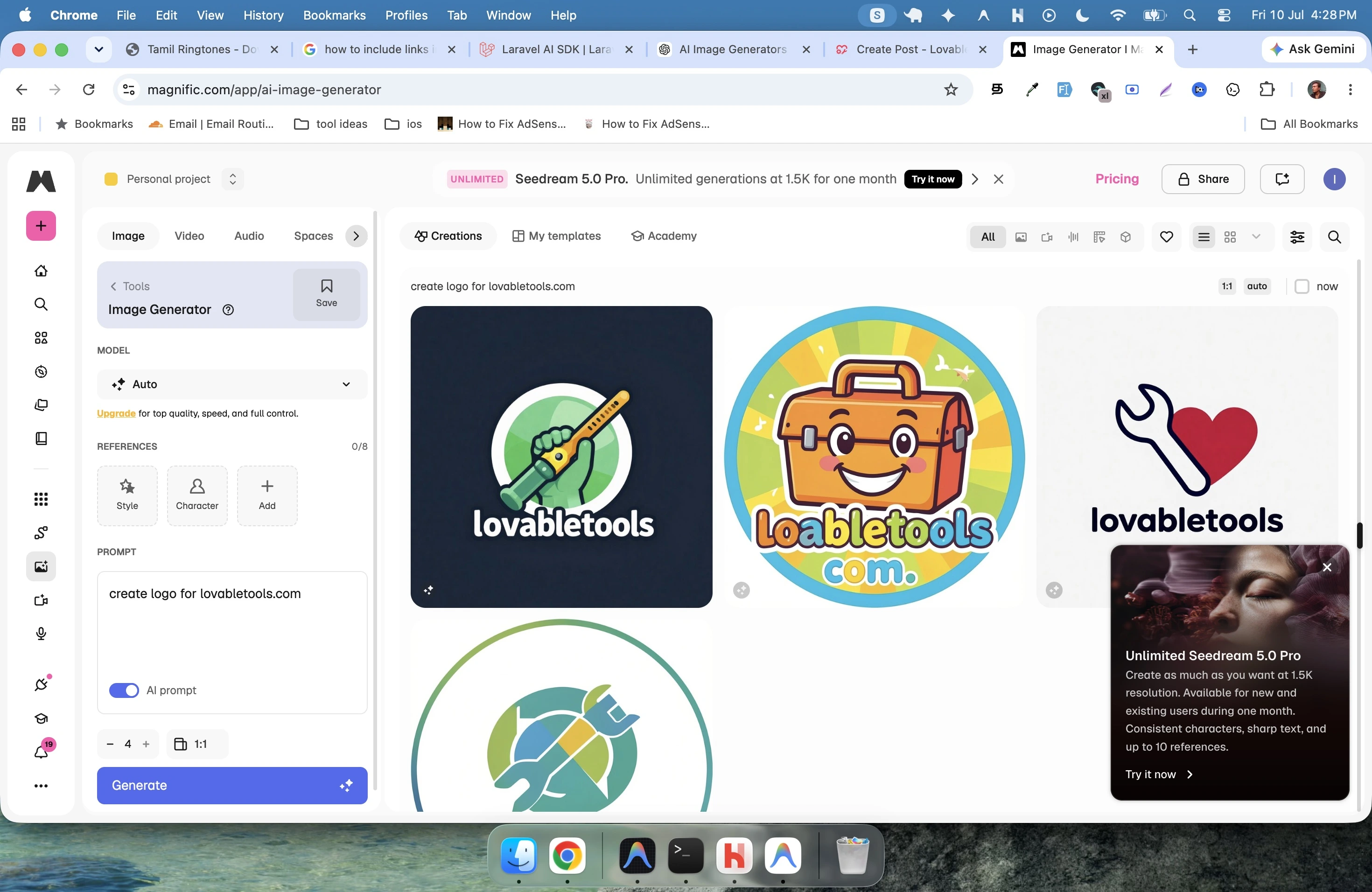
Best For: Designers, businesses, marketers, and commercial creative work.
Websites: https://www.freepik.com/ai / https://www.magnific.com/app/ai-image-generator
Freepik has expanded beyond stock graphics by offering AI-powered image generation directly within its creative platform. This allows designers to generate new visuals while also accessing millions of stock photos, vectors, icons, mockups, and templates.
For professionals already using Freepik assets, the integrated AI tools create a smooth and efficient workflow.
Key Features
- AI image generator
- AI image editing
- Stock photo integration
- Graphic design assets
- High-resolution exports
- Commercial-friendly resources
Pros
- Excellent for professional designers
- Huge design resource library
- High-quality outputs
- Integrated creative workflow
- Commercial-friendly platform
Cons
- Free generation limits
- Premium subscription unlocks full capabilities
- Best value for existing Freepik users
- Login Required
Free Plan
Limited free AI image generations.
Pricing
Free with premium plans.
Frequently Asked Questions
Which AI image generator is completely free?
Several tools offer generous free plans, including LovableTools AI Image Generator, Perchance AI, Craiyon, and Stable Diffusion (when self-hosted).
Which AI image generator has unlimited image generation?
Stable Diffusion offers truly unlimited generation when run locally. Perchance AI and Craiyon also provide generous free usage, though online services may apply fair-use limits.
Which AI image generator doesn't require an account?
Perchance AI and Craiyon allow users to generate images without creating an account.
Which AI image generator creates the most realistic images?
Adobe Firefly, Microsoft Designer, Leonardo AI, and Freepik AI are among the strongest options for realistic AI-generated images.
Can I use AI-generated images commercially?
It depends on the platform. Always review the licensing and terms of use before using AI-generated images for commercial purposes.
Which AI image generator is best for beginners?
LovableTools AI Image Generator and Canva AI are excellent choices thanks to their simple interfaces and minimal learning curve.
Which AI image generator is best for anime art?
Tensor.Art and SeaArt AI are among the top platforms for anime-style artwork because they provide access to a wide range of community-created models.
Related Posts
Use AI Models Unlimited for FREE: No Token Limits for Coding (2026)
4 min · 2,466 views
Punch the Monkey Latest Update (2026) – Viral Story, Zoo Progress & Create Your Own Meme
1 min · 1,673 views

How to Use ChatGPT Codex for Free in 2026: Complete Step-by-Step Guide
4 min · 5,758 views

💬 Comments (0)
Leave a Comment
No comments yet. Be the first to comment!